Free printable card templates for custom cards
On this page you’ll find free printable playing card templates and blank card game templates you can download and edit. These printable playing cards are ideal for prototyping custom card games, trading card games (TCGs), or creating your own personalized deck. Whether you want to create a card game from scratch (ie trading cards) or you're looking to personalize your own set of custom playing cards (sheets of 52 cards), we've got you covered with specific card resources.
For each resource, we have also included different types of file formats (PPT, Word, PDF). Download the files you want and get your creative juices flowing with our editable playing card templates.
TLDR; Create your custom playing cards and game cards with simplicity using the free templates on this page. If you want to design your own custom dream deck, you can also use Dextrous to make a deck of custom game cards.
Blank playing card templates for Word, PowerPoint and Pdf
Free printable playing card templates
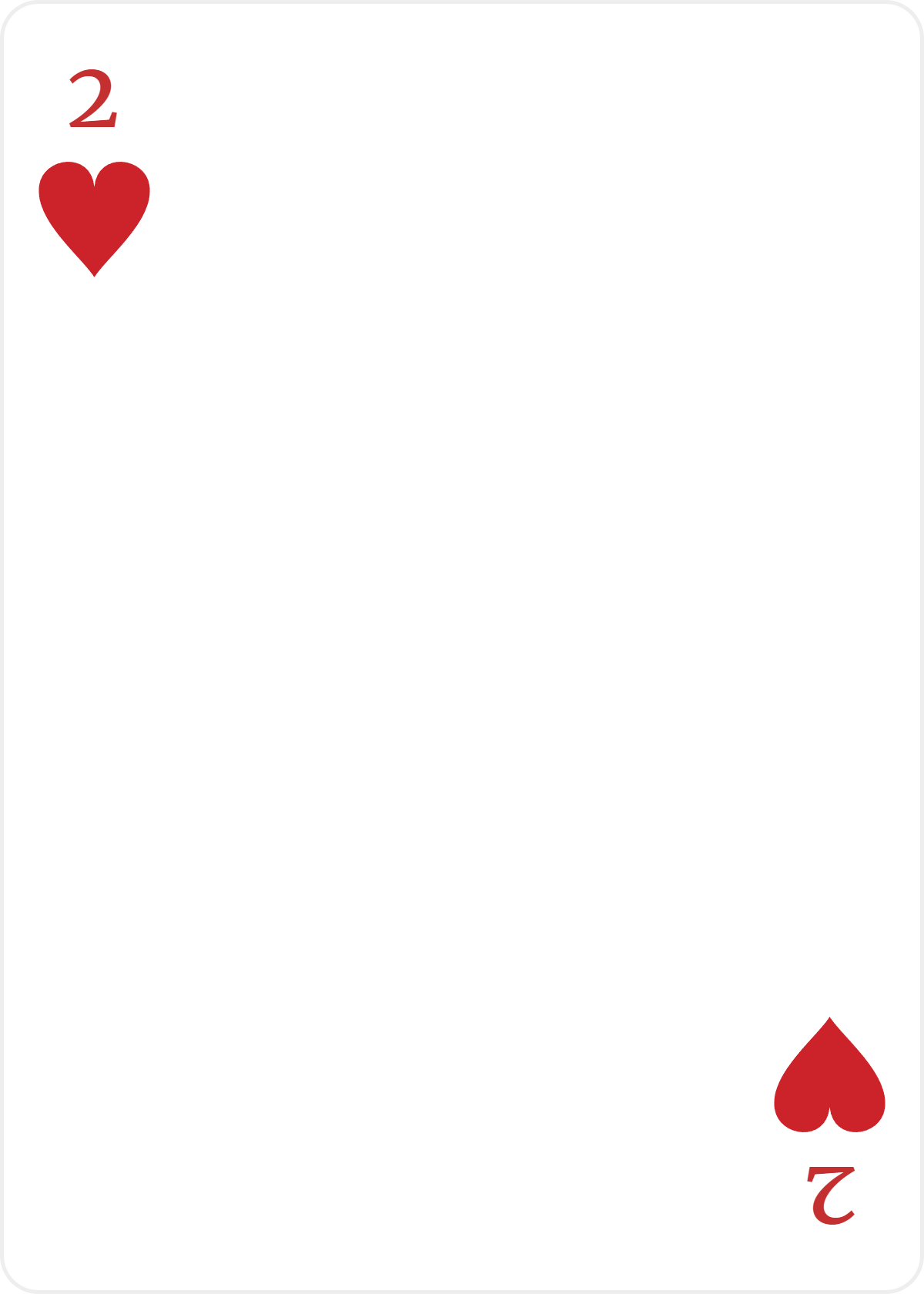
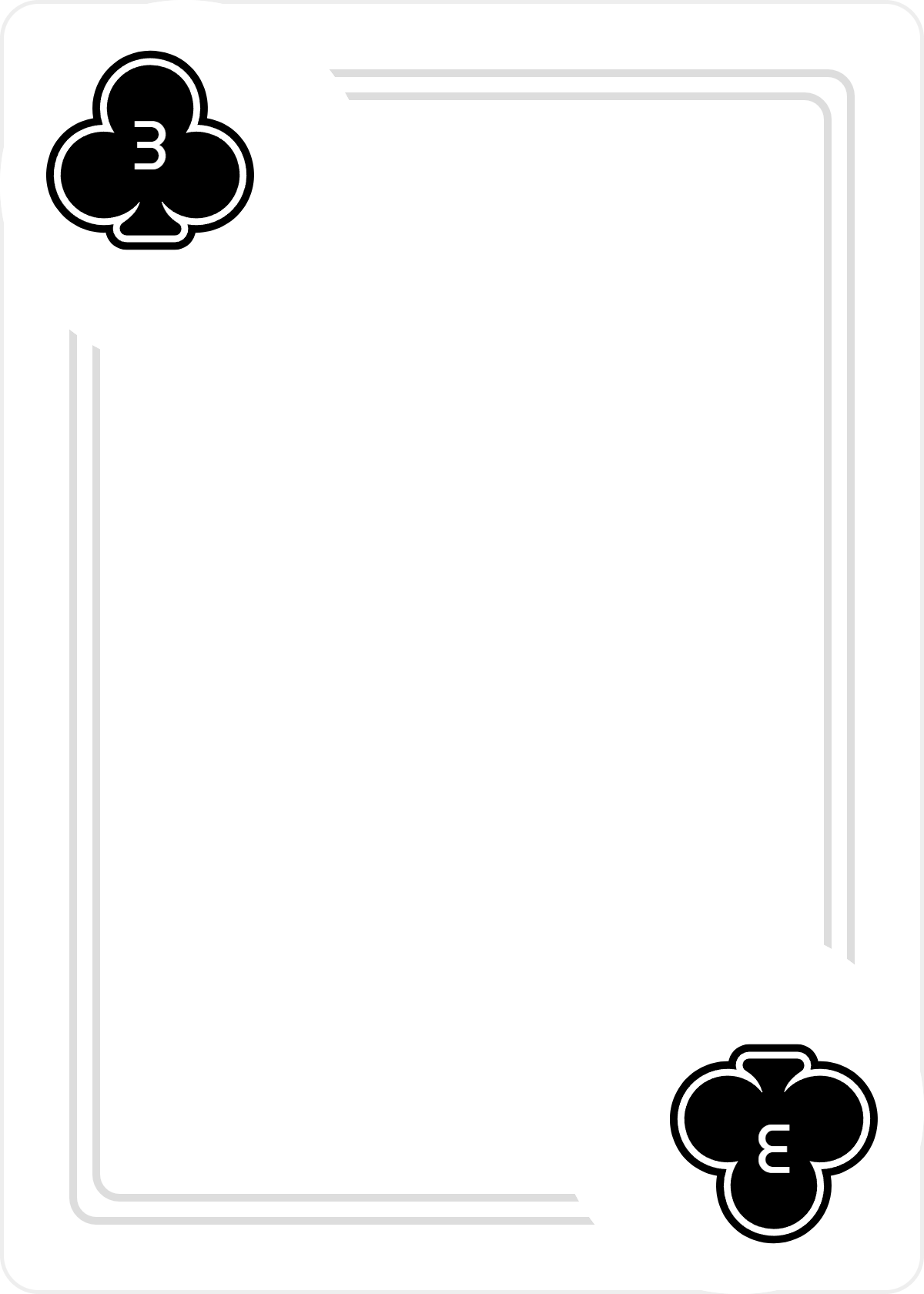
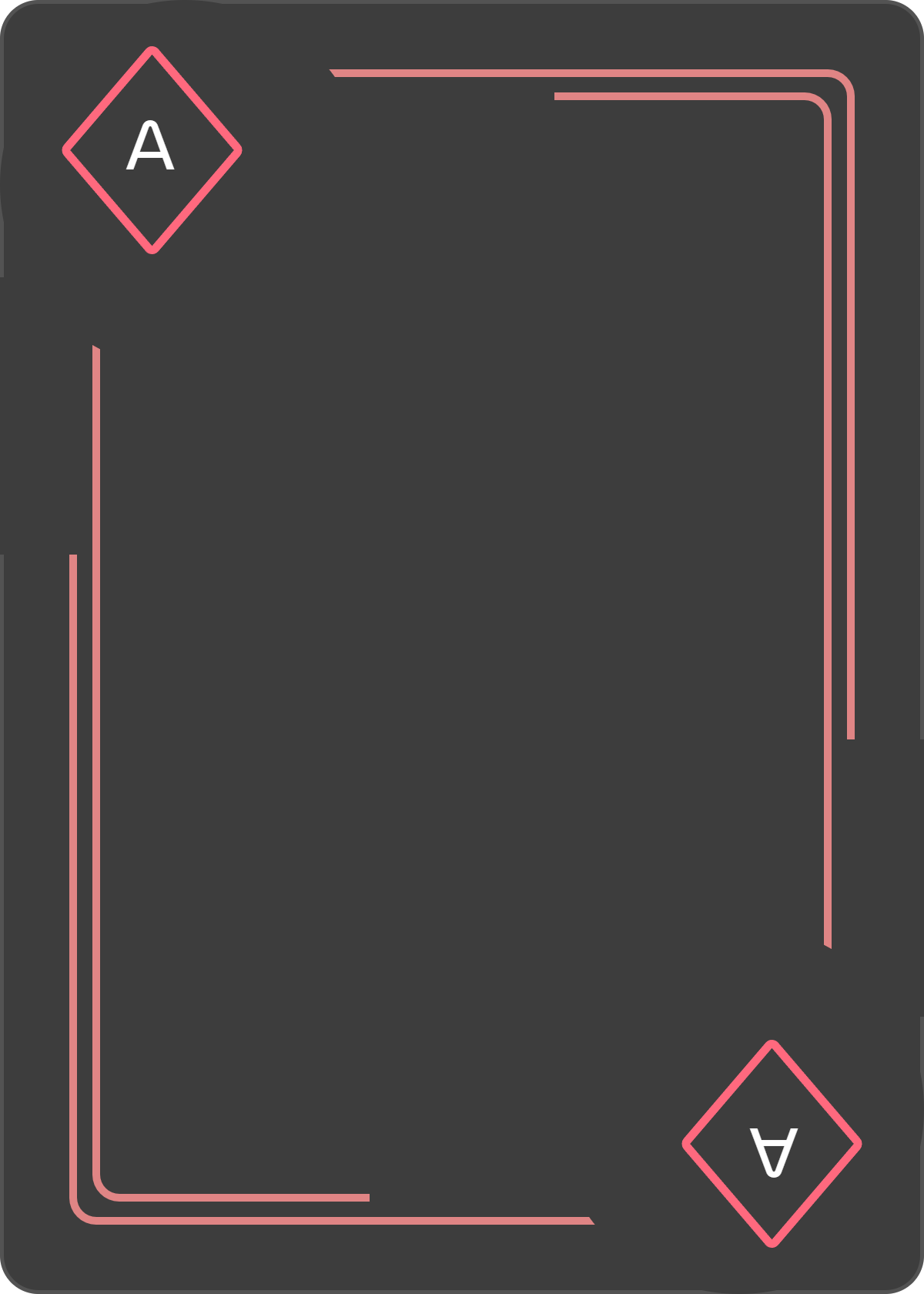
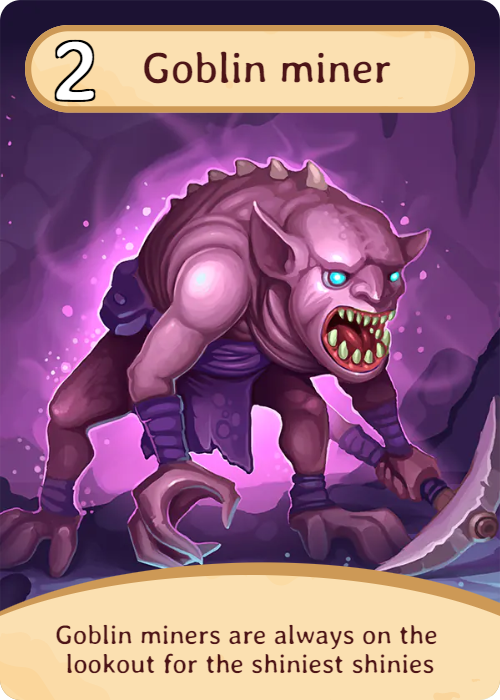
Free printable game card templates
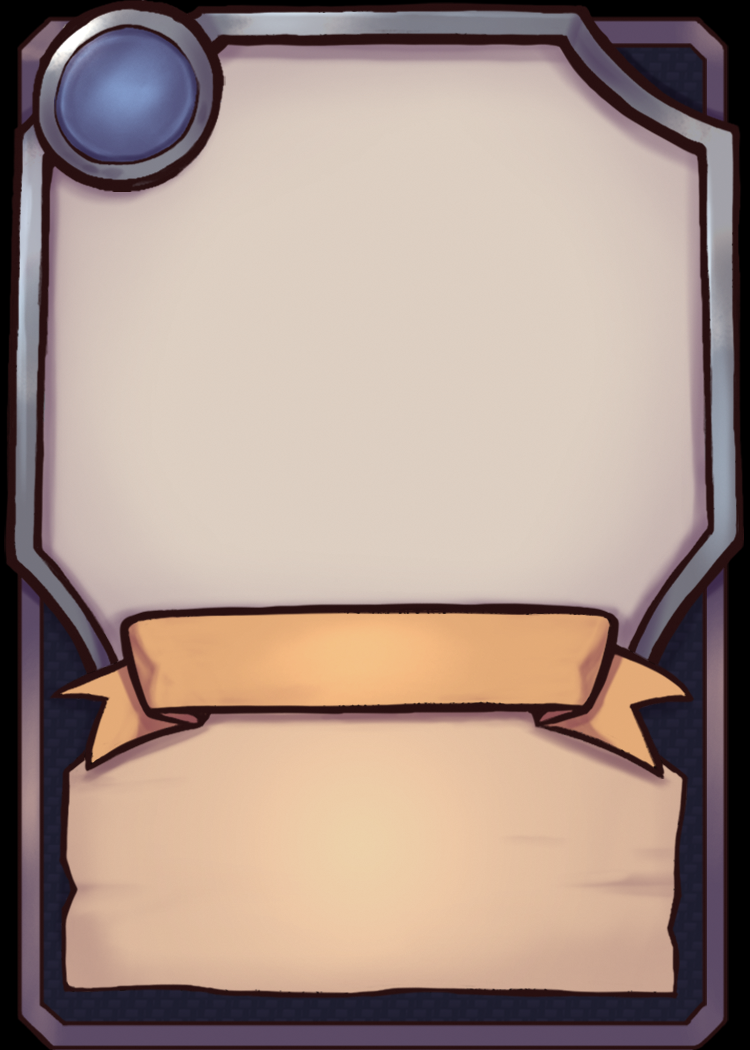

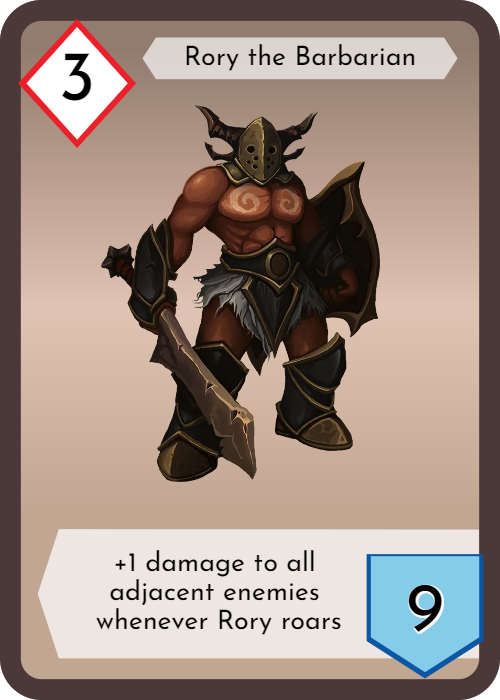
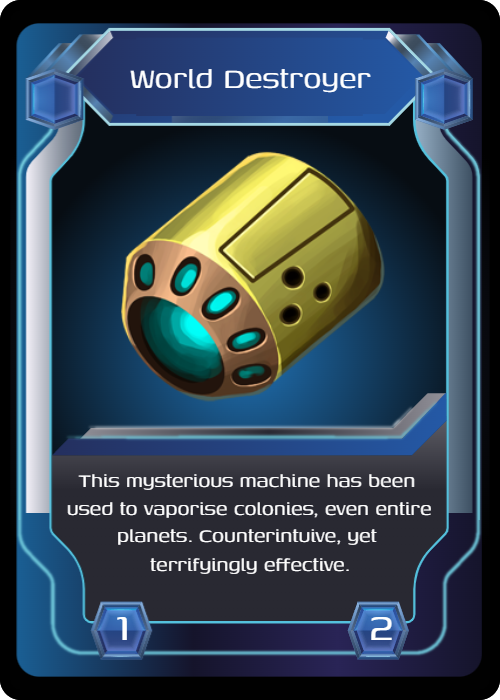
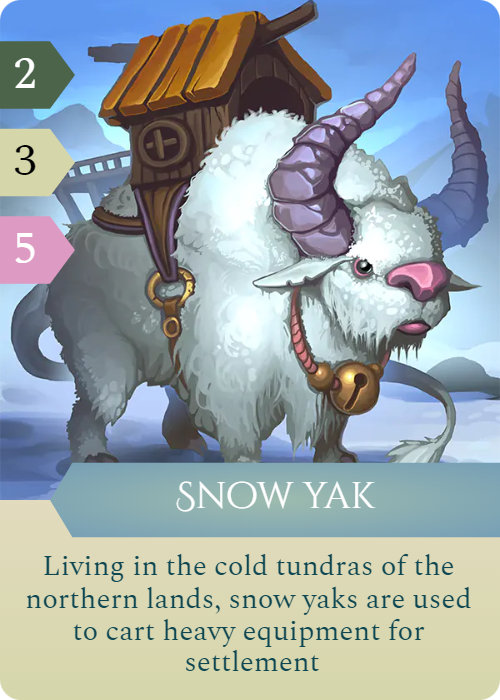
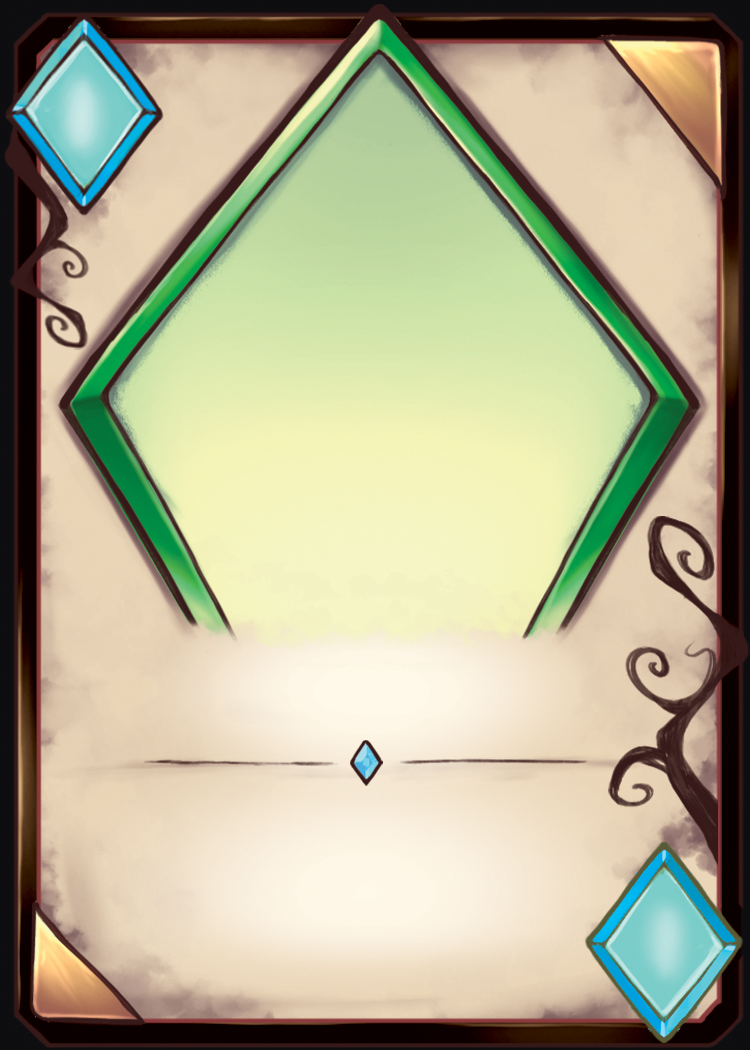
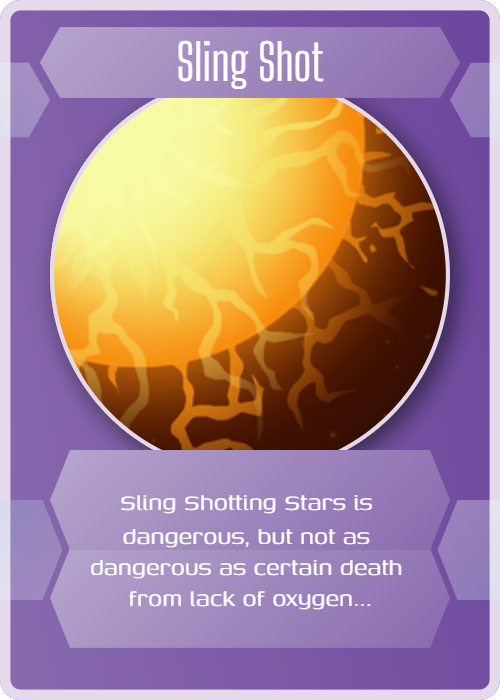
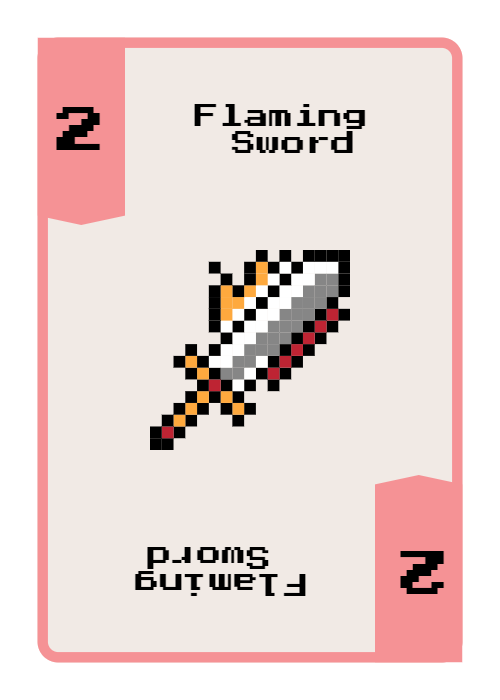
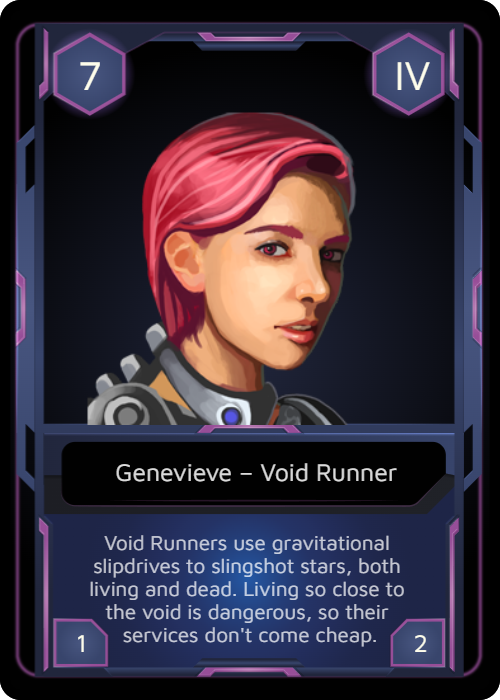
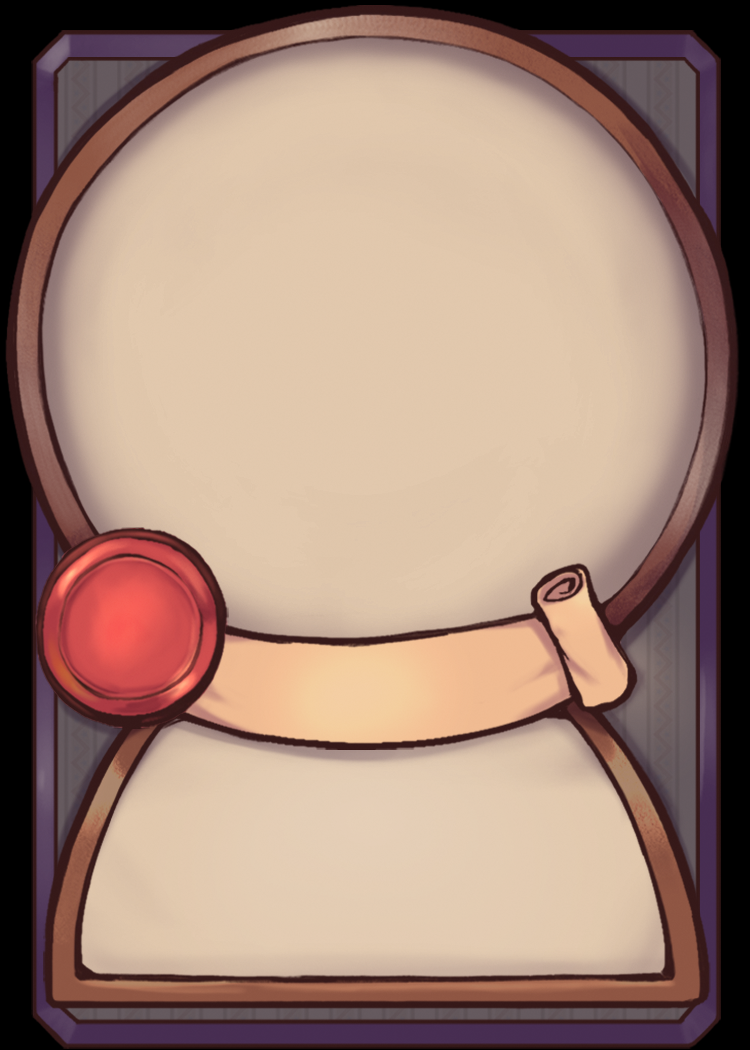
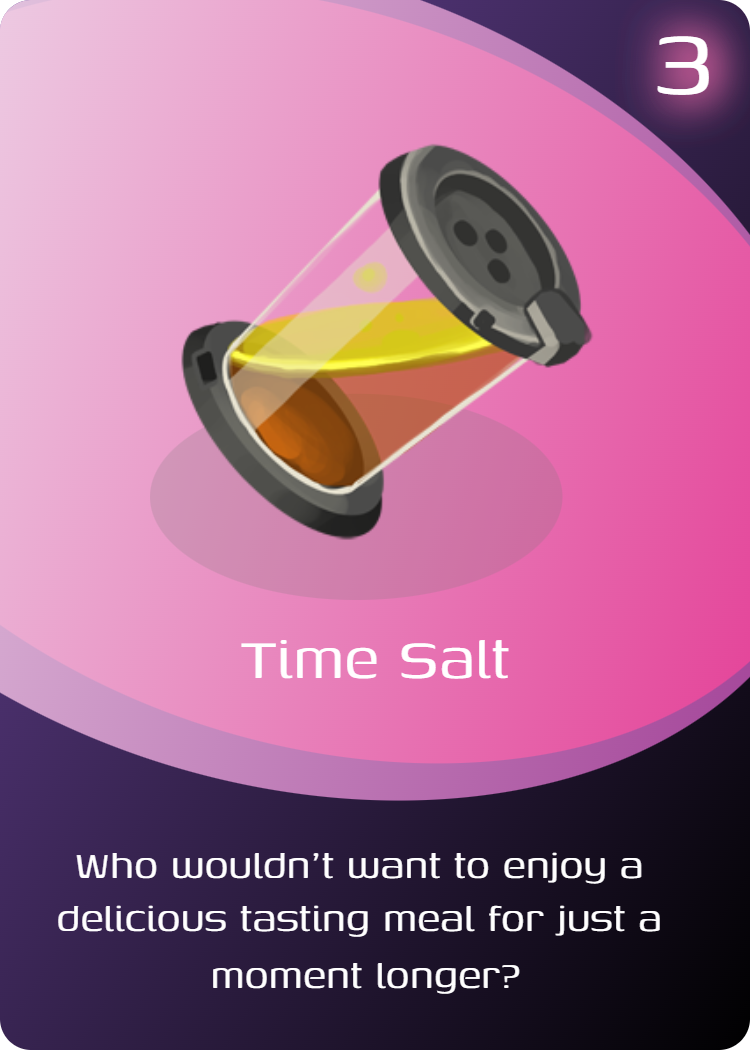
Free card templates for Word?
You might be wondering why we bother to make free templates for Word when we have our own tool to make printable playing cards. The answer is simple. A lot of people don't have time to learn a new design program, so our idea was to get people into design using a program they know (e.g Word, PowerPoint).
You can design your own deck of cards with our free Word and PowerPoint templates. Simply choose a card template, download it, and then customize it by adding your own text and images. When you've finished editing, you're ready to print your decks (preferably on card stock or nice thick paper).
Of course, this also makes these templates a good resource for school students or homeschool design projects.
Custom Playing card and TCG card templates
Create your custom player card templates for personalized play
Classic cards are timeless, but personalized playing cards are a fun way to make games night (or a camping trip!) even more memorable. Select one of our free standard card templates above to get started and create your own customized playing card set.
Blank templates for playing cards
If you want to create your own cards from scratch, you want the important bones of the cards (ie the numbers and suit symbols) with blank space to add your own art. The blank card templates on this page have been designed with that in mind.
You can color them in with pencils, or edit them digitally if you've got design skills with programs like Powerpoint or Adobe Illustrator. While we do offer a powerful online playing card designer, the purpose of this page is just to give people a quick way to get a playing card deck online.
Trading Card game templates
Use the TCG templates above or check out our new tcg tmplates and trading card layouts. Alternatively, you can use our app Dextrous to generate cards for your entire game in bulk. You can even connect Google sheets, export to PDF and online tools like Screentop.gg or Tabletop Simulator.
Standard Playing Card Dimensions (Poker & Bridge Sizes)
The dimensions of a standard Poker playing card are 2.5 inches by 3.5 inches (6.35cm by 8.89cm). Bridge cards are used in games like Bridge, solitaire, and patience and are 2.25 inches by 3.5 inches (5.71cm by 8.89cm).
The templates here are for standard Poker sized cards because this is the most common size for custom playing card printing. Bear in mind you can always design playing cards with Dextrous.
Editable game card templates

Custom game cards for game design
Printable playing cards are one thing, but what if you need a printable trading card template? Collectable card games (CCGs) and living card games (LCGs) occupy a special place in our hearts. Each card game template here includes an editable PowerPoint doc and a pdf file sheet that you can print on demand.
How to Print Playing Cards at Home
- Download a printable playing card template.
- Print the template at 100% scale (not 'shrink-to-fit').
- Use 250–300gsm cardstock for durability.
- Cut out the cards with sharp scissors or a guillotine/rotary cutter.
- Put the cards in sleeves for playtesting.
How do you make a custom card game?
- The idea: Start small and make changes to an existing game rather than trying to reinvent the wheel.
- Make a prototype: Get a playable version of your game as soon as possible. You can use pen and paper, or specialized software like Dextrous.
- Playtest, playtest, playtest: Take notes on what works and what doesn't. Ask questions and collect feedback.
- Modify your prototype: Fix the previous problems and improve your design.
- Repeat until fun: Aim for a fun core gameplay loop. You'll know you're getting close when people start to ask to play the game again.
- Publishing: Regardless of the outcome, you can take pride in creating something unique.
Is there a program to create my own card game?
Dextrous is great for prototyping because you can make custom templates and edit them really easily after a playtest.
You can sign up with a free account to start creating your own card designs. Don't forget we also have a quickstart guide in our docs so you can get started in minutes.
Board game templates for prototyping game ideas quickly
If you're looking for a blank game board for rapid prototyping, we have a basic game board template tool which you can use to make quick and dirty hex or square game boards.